Stop pasting context into ChatGPT: what to do instead
Freelancers and consultants paste the same client context into every new chat. Why it breaks, what it costs, and the setups that replace it.
You know the ritual. Open a new chat, paste in the client's brief, their tone notes, the rates you agreed, the two paragraphs about what never to say. Then, finally, ask for the thing you actually opened the chat for. Tomorrow, a new chat: paste it all again.
It works well enough that most freelancers and consultants never question it. This post does. It covers why the paste habit breaks as your client list grows, what it quietly costs, and three setups that replace it — in order of effort, starting with one you can do today.
Why pasting breaks
Pasting feels free. It isn't, for three reasons.
A paste is a snapshot. The moment you paste your rate card into a chat, it's a copy. Raise your rates in January and every chat that started in December still quotes the old ones. The chat doesn't know the document changed; it only knows what you pasted.
You paste what you remember, not what matters. The details that burn you are the ones you forgot to include: the banned word in the brand guide, the net-45 that client negotiated, the decision from last month's call. Context you don't paste is context the AI doesn't have, and it will fill the gap with something plausible.
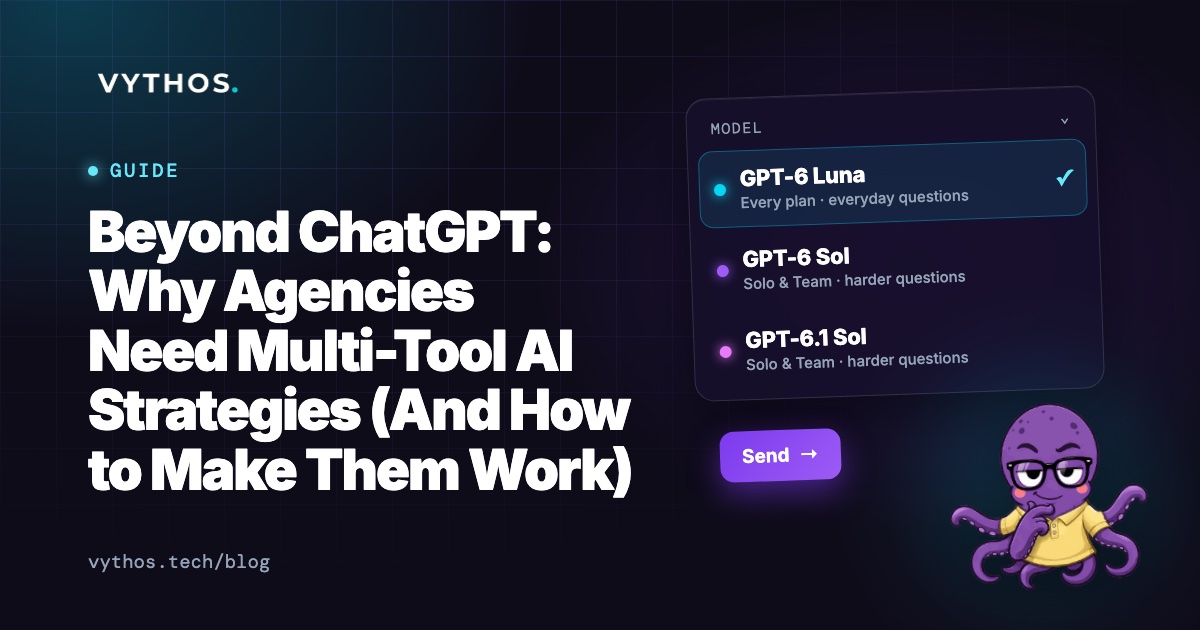
Every tool gets its own copy. ChatGPT gets one paste, Claude another, Cursor a third. Three copies of the client's rules, drifting apart, with you as the only thing keeping them in step. Five clients across three tools is fifteen copies of context to maintain by hand.
The work isn't the pasting itself — it's the checking afterwards. You read every draft line by line because you can't be sure which version of the client it was working from.
What to do instead
Three setups, in order of effort. Each level fixes more of the problem than the last.
Level 1: Documents, not prompts
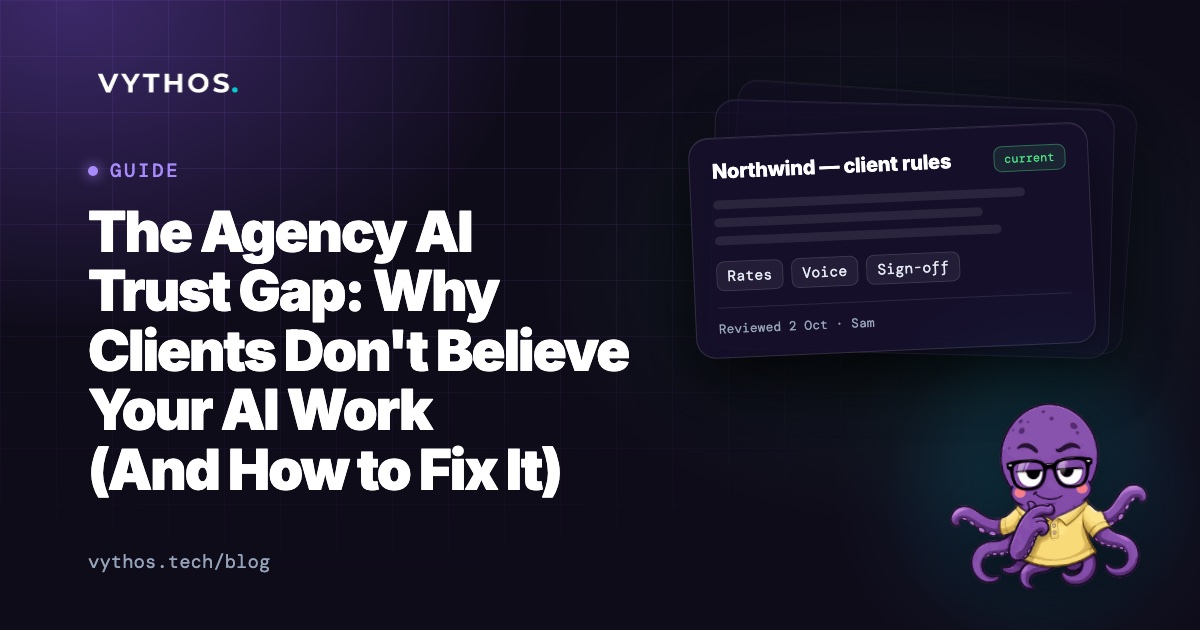
Keep one house sheet — your standard rates, terms and voice — and one sheet per client: where their rates or terms differ from yours, their tone, who signs off, the words they ban. Store them as documents in Google Drive or Notion, dated.
When you start a chat, you paste from the current document rather than from memory. The paste is still a copy, but at least it's a copy of something current — and when something changes, you edit one document, not fifteen prompts.
This is the floor. It takes an afternoon, and every other setup builds on it.
Level 2: One project per client
ChatGPT Projects and Claude Projects let you attach files and instructions to a workspace. Make one project per client: attach that client's sheet and your house sheet, and nothing from any other client. Client work happens in that client's project, so one client's details can't leak into another's draft.
Two limits to know about. The attached files are usually the copy from when you attached them — when a rate changes, replace the file in every project that holds it. And the setup lives in one tool: if you also work in Claude or Cursor, you build it all again there. We compare Projects, Custom GPTs and connectors in detail in this guide.
Level 3: A connector that reads from the source
The third level removes the copying altogether. Your AI tool connects to the place your documents already live and looks up the current rules at the moment you ask — no snapshot, no drift, no per-tool setup.
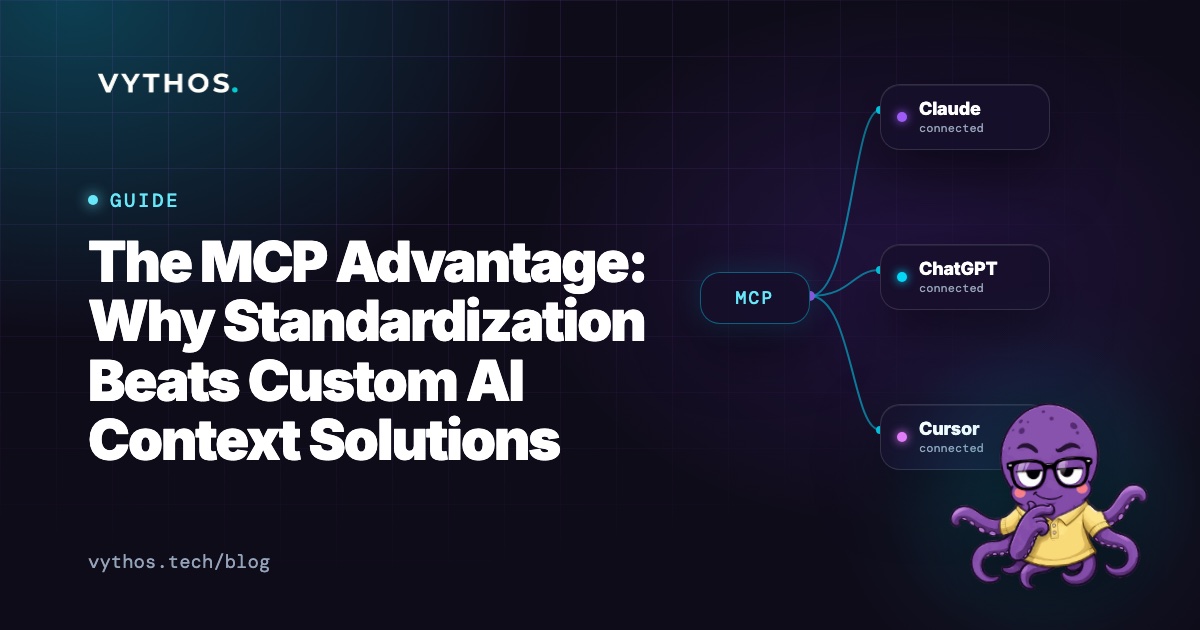
That connection is what MCP, the Model Context Protocol, is for. Your AI app connects to an MCP server once; from then on it fetches the client's rules and your past work from the source before it answers. Edit the document, and the next answer in every connected tool follows it.
How Vythos does it
Vythos is built to be that source: the place your client rules live, connected to the AI tools you already use.
- Connect your work. Link Google Drive or Notion, or upload files. It all becomes memory: searchable, and private to you.
- Name your rules. Point Vythos at your rate card, your terms and each client's brand guide. You decide which documents are rules, and which client each one is for.
- A client's rules beat your defaults. Where a client pays a different rate or works to different terms, their rule comes first for their work.
- Edit the document, and the rule follows. Change your rate card in Drive or Notion and Vythos keeps in step. Only the version in force is sent — nothing pasted, nothing stale.
- One connection, every tool. Connect Claude, ChatGPT or Cursor through MCP once. Each gets your current rules and memory before client work.
The Free plan covers one client, with no time limit and no card. Solo is $29 a month for all your clients, each kept apart. Connecting your AI tools is free on every plan.
Questions freelancers ask
Isn't pasting fine if I'm careful?
It is, until it isn't. The failures don't look like failures — the draft reads well and the rate looks plausible. You find out when the client replies. The question isn't whether you're careful; it's whether you want to spend your care on checking versions instead of the work.
How much time does a better setup actually save?
Level 1 costs an afternoon once. After that, the saving is the re-pasting and most of the line-by-line checking — for most solo consultants that's a few hours a week, and it grows with every client you add. The bigger saving is the mistake that doesn't reach the client.
What if I only have two or three clients?
Start at level 1 and stay there until it hurts. A project per client, or Vythos's Free plan, both cover a small client list well. The paste habit breaks when the copies multiply — five clients in three tools is where most people feel it.