ChatGPT Projects vs Custom GPTs vs MCP for client work
Projects, Custom GPTs and MCP connectors all put your context into ChatGPT. Which one fits a freelancer or agency working across several clients?
ChatGPT offers three ways to stop starting every chat from a blank page: Projects, Custom GPTs and MCP connectors. All three get your context into the conversation, but they're built for different situations — and if you work across several clients, the differences decide whether your setup holds or quietly rots.
Here's what each one actually is, and how to choose.
In one paragraph each
Projects are workspaces inside your own ChatGPT account. Each holds instructions and files, and chats inside the project can use them. One project per client is the pattern most freelancers land on.
Custom GPTs are packaged versions of ChatGPT with their own instructions and uploaded knowledge, shared by link. You can build one GPT per client, or one per service you sell, and other people can use it.
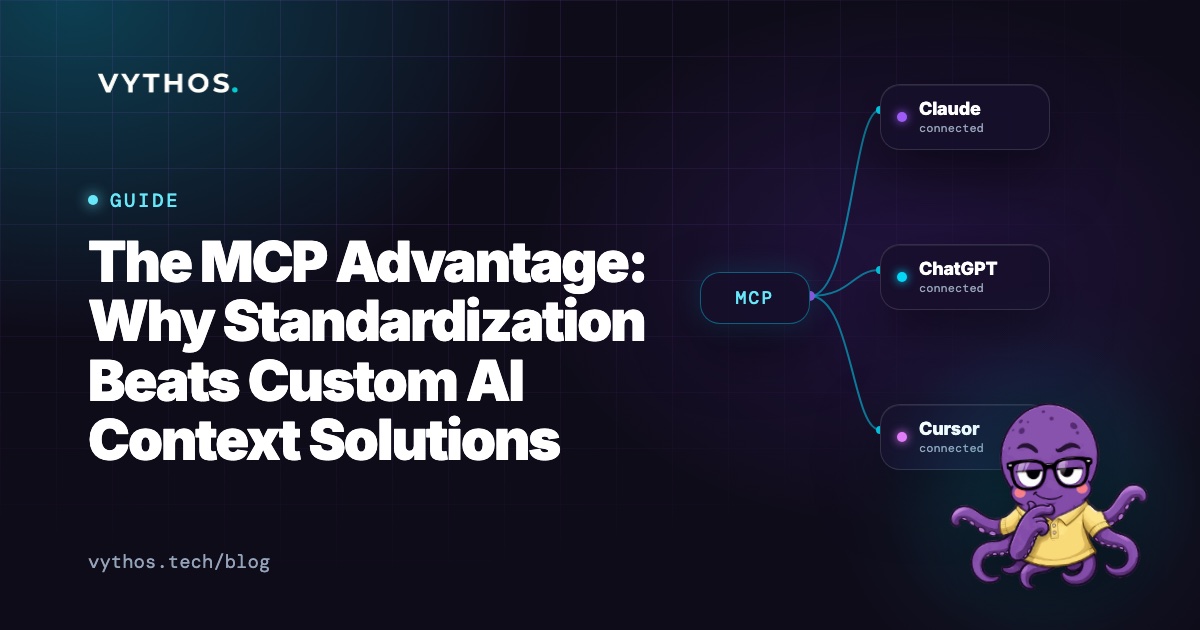
MCP connectors link ChatGPT to an outside server that looks things up at the moment you ask. Instead of uploading your context, ChatGPT fetches it from the source — your documents, your rules — each time. We explain the standard itself in What is MCP?.
Side by side
| Projects | Custom GPTs | MCP connectors | |
|---|---|---|---|
| Built for | One person's workspaces | Sharing a packaged assistant | Live access to outside data |
| Context | Instructions + attached files | Instructions + uploaded knowledge | Fetched from the source at question time |
| Stays current? | No — files are copies | No — knowledge is uploaded | Yes — reads the live source |
| Per-client separation | One project per client | One GPT per client | Handled by the server |
| Team sharing | Depends on your workspace plan | Yes, by link | Each person connects the same server |
| Works outside ChatGPT | No | No | Yes — Claude, Cursor and others |
The honest trade-offs
Projects: the fast default
Projects are where most people should start. Setup takes minutes, and one project per client keeps each client's work separate — details from one account can't drift into another's chat.
The ceiling is maintenance. The files in a project are the copies you uploaded: change your rates, and every project quoting them needs its file replaced by hand. And a project lives only in ChatGPT, so if you also write in Claude or code in Cursor, you rebuild the same context in each tool.
Custom GPTs: built to share
A Custom GPT packages instructions and knowledge into something a whole team can use — handy when three account managers all write for the same client and should get the same voice and rules.
The trade-offs: the knowledge files are uploads, so they go stale like any copy. Instructions have length limits, which bite sooner than you'd expect with several clients' worth of rules. And the unit of sharing is the GPT itself — five clients means five GPTs to build, and five to keep updated. GPTs also only work in ChatGPT.
MCP connectors: context without the copies
A connector skips the uploading entirely. When you ask about a client, ChatGPT calls the server, which returns that client's current rules and relevant background, and the answer is written from that. Change the rate card at the source and the next answer follows it — in ChatGPT, and in any other tool connected to the same server.
What you need is the server. That's the piece you buy or build: something that holds your client rules, knows which client each one is for, and answers lookups. The connector itself is just the pipe.
Which one should you choose?
- Two or three stable clients, working alone, mostly in ChatGPT: Projects. Simple, contained, and nothing new to pay for.
- A small team that needs one shared assistant for a fixed workflow: a Custom GPT, accepting that its knowledge is a snapshot you'll refresh by hand.
- Several clients, rules that change, more than one AI tool in the mix: an MCP connector to a source of truth, so every tool reads the same current rules.
Many agencies end up combining them: a project or GPT for the shape of the work, and a connector for the facts that change.
Where Vythos fits
Vythos is the source of truth behind the connector: the MCP server that holds your rates, your terms and each client's rules. You name the documents that are rules — edit one in Google Drive or Notion, and the rule follows it. Client rules beat your defaults for that client's work, and connecting ChatGPT, Claude or Cursor is free on every plan. Our guide to AI for consultants with multiple clients covers the wider setup.
Questions people ask
Can a Custom GPT use an MCP connector?
Not today, in the way people expect — Custom GPTs work from their uploaded knowledge and configured actions, not MCP. Connectors live in your own chats. If your facts live behind MCP, you ask in a normal chat with the connector on; if the shape of the work lives in a GPT, you keep that too — hence combining.
Do Projects leak between clients?
Chats and files stay inside their project, and with project-only memory switched on, nothing carries between projects. The leak risk is you: pasting output from one client's project into another's brief. The tooling keeps clients apart; habits have to as well.
What does this cost?
Projects and Custom GPTs depend on your ChatGPT plan. MCP connector availability depends on the tool and plan too; the cost on the Vythos side is nothing — lookups from your AI tools are free on every plan, and the Free plan covers one client with no time limit, so you can try the connector setup on real client work first.