Vythos vs Notion AI: Why Purpose-Built Beats General-Purpose for Agency Work
Notion AI is great for notes, but agencies need AI that understands client rates, terms and voices. See how Vythos compares.
Notion recently added AI capabilities, and many agencies are wondering: "Should we just use Notion AI for our client work?" It's a reasonable question — you already have your SOPs, rate cards, and client docs in Notion, so why add another tool?
The short answer: Notion AI was built for knowledge work. Vythos was built for agency AI work. They solve fundamentally different problems.
Let's break down exactly how they compare when it comes to making AI actually work for your agency across multiple clients, tools, and team members.
The Core Difference: Purpose
Notion AI: Enhanced Knowledge Workspace
Notion AI improves what you already do in Notion: - Better search across your wiki and docs - Writing assistance for documents you're creating - Summary generation of meeting notes and long-form content - Translation and formatting help within the Notion ecosystem
It makes you more productive inside Notion — but it doesn't solve the agency-specific problem of getting AI to understand and use your client context correctly.
Vythos: Agency AI Operating System
Vythos solves the specific problem agencies face: - Making AI tools (Claude, ChatGPT, Cursor, etc.) actually use your current client context - Preventing context mixing between clients across different AI tools - Keeping team members aligned on what context the AI is using - Creating audit trails so you know what informed each AI-generated output
Vythos isn't trying to be a better Notion. It's trying to be the missing link between your agency's knowledge and the AI tools your team actually uses for client work.
Head-to-Head Comparison: Agency-Specific Use Cases
Use Case 1: Client Rates and Terms Management
Scenario: Your copywriter needs to create Facebook ad copy for Client X, who pays premium rates and has specific billing terms.
| Notion AI Approach | Vythos Approach |
|---|---|
| Copywriter searches Notion for Client X's rate card, copies/pastes relevant sections into ChatGPT, hopes they got the current version | Copywriter opens ChatGPT → Vythos automatically provides Client X's current, approved rate card and terms → No manual copying/pasting needed |
| Risk: Using outdated rates if someone forgot to update the Notion doc | Guarantee: Always working with the current, approved version |
| Effort: Manual context reconstruction every time | Effort: Zero context management overhead |
Use Case 2: Cross-Tool Consistency
Scenario: Your strategist uses Claude for analysis, your designer uses Midjourney for concepts, and your account manager needs to review both outputs.
| Notion AI Approach | Vythos Approach |
|---|---|
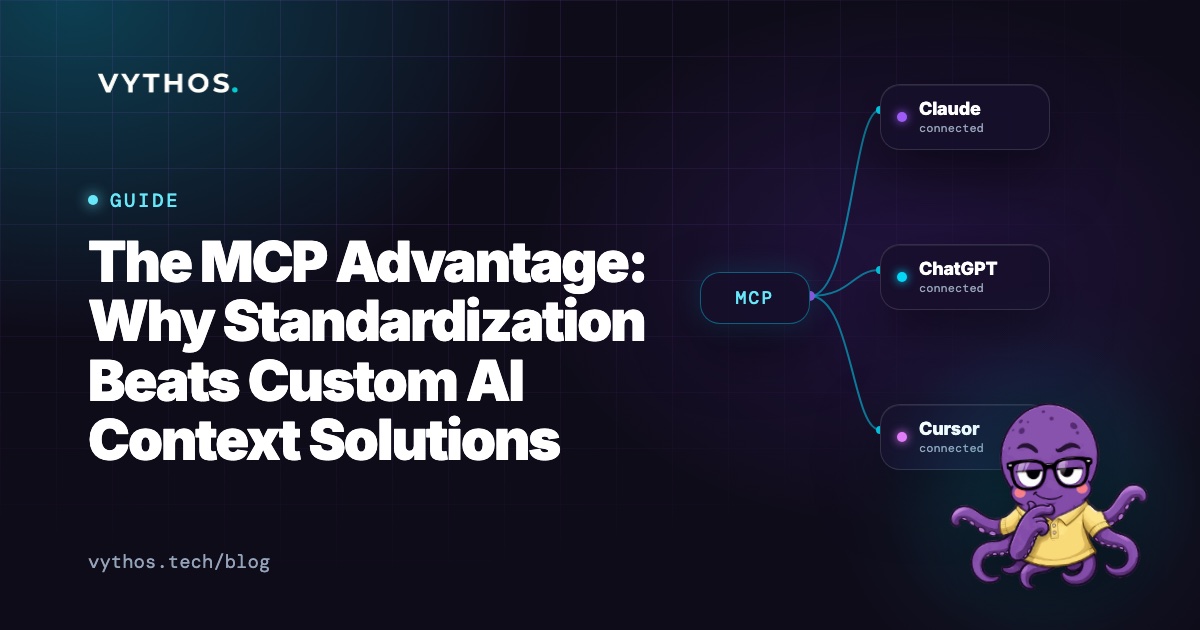
| Each team member manually extracts context from Notion and inputs it into their preferred tool | All tools connect to Vythos' MCP server → Each gets identical, current client context automatically |
| High risk of context drift between tools (strategist's Claude analysis based on Jan rates, designer's Midjourney based on Feb rates) | Zero context drift — all tools work from the same current version |
| Team member becomes human context synchronization layer | System handles context distribution automatically |
Use Case 3: Team Onboarding and Knowledge Transfer
Scenario: You're hiring a new account manager who needs to get up to speed on 5 client accounts quickly.
| Notion AI Approach | Vythos Approach |
|---|---|
| New hire spends days reading through Notion docs, develops personal understanding of each client | New hire gets role-appropriate access to Vythos → Instantly accesses current, approved context for all assigned clients |
| Knowledge transfer depends on individual comprehension and note-taking | System guarantees everyone works from the same source of truth |
| Inconsistent understanding leads to variable AI-assisted outputs | Consistent foundation enables predictable, high-quality work from day one |
Use Case 4: Client-Facing Deliverables
Scenario: You're presenting a marketing strategy to a client and need to show exactly what informed your AI-assisted recommendations.
| Notion AI Approach | Vythos Approach |
|---|---|
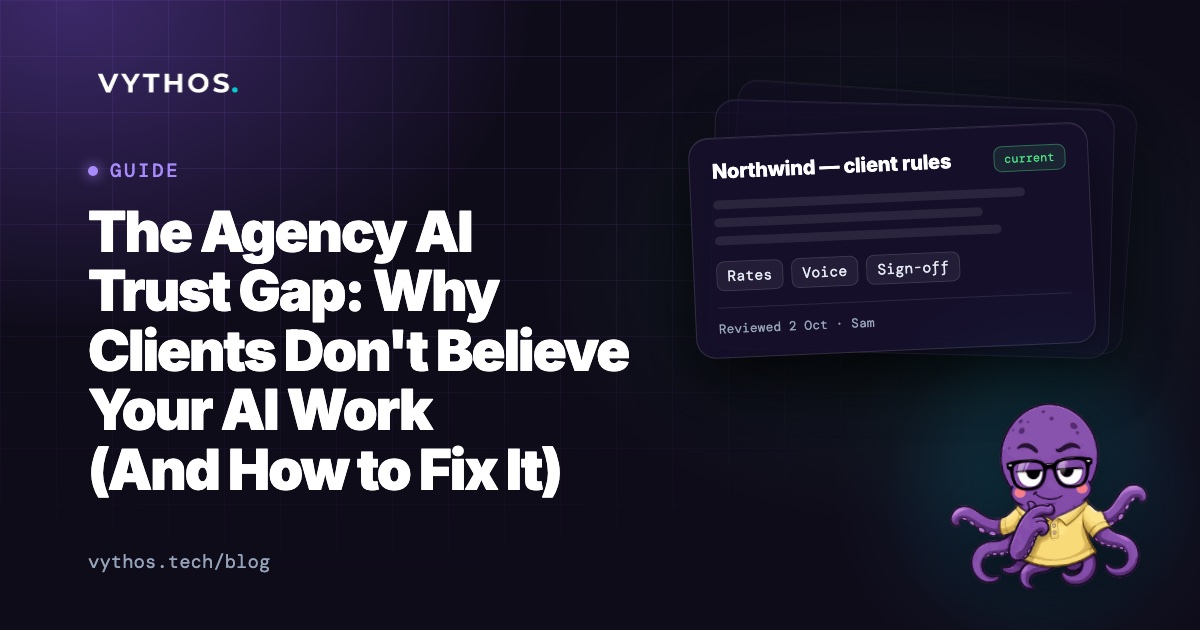
| You explain: "We looked at the docs in Notion and used our best judgment" — no way to prove what specific context was used | Vythos provides audit trail: Shows exactly which documents, versions, and data points informed each AI-generated output |
| Client must trust your process without verification | Client can see the verifiable foundation behind your recommendations |
| Difficult to scale trust as team grows | Easy to demonstrate consistency and rigor across team members |
The Hidden Costs of Using Notion AI for Agency Work
1. The Context Tax Still Exists
Notion AI might make you faster at creating documents in Notion, but it doesn't eliminate the fundamental agency problem: every time someone opens ChatGPT, Claude, or another AI tool, they still need to manually reconstruct client context.
You've simply moved the context problem from one place (your AI chats) to another (your Notion-to-AI workflow).
2. Tool Fragmentation Gets Worse
When your team uses: - Notion AI for documentation - ChatGPT for copywriting - Claude for strategy - Midjourney for concepts - Cursor for development
You now have five different contexts to manage instead of just the AI tools. Notion AI adds another layer to the fragmentation problem rather than solving it.
3. False Sense of Security
Teams often feel like they've "solved" the context problem because everything's in Notion — until they discover: - The strategist used last month's rate card in Claude - The copywriter missed the updated tone guide in their ChatGPT prompt - The designer used outdated brand terminology in Midjourney - The account manager spent 3 hours in QA checking for context consistency
Notion creates centralization, but Vythos provides automated distribution — and that's what agencies actually need.
When Notion AI Makes Sense (and When It Doesn't)
Use Notion AI When:
- You primarily work within the Notion ecosystem for client deliverables
- Your agency creates most work products directly in Notion docs/wikis
- You need writing assistance, summarization, or translation within Notion
- Knowledge work is your primary output, not AI-assisted client work
Choose Vythos Instead When:
- Your team uses external AI tools (Claude, ChatGPT, Cursor, Midjourney, etc.) for client work
- You struggle with context consistency across tools and team members
- You need audit trails showing what informed each AI-generated output
- You want to scale AI usage without quality degradation
- Client work involves varying rates, terms, voices, and decision-making frameworks
The Hybrid Approach: Best of Both Worlds
Many agencies find that using both tools strategically works best:
Notion for:
- Internal knowledge base and SOPs
- Meeting notes and internal documentation
- Project tracking and task management
- Writing drafts and collaboration
Vythos for:
- Making external AI tools actually use your agency's current knowledge
- Preventing context mixing between clients across tools
- Creating consistency and audit trails for AI-assisted work
- Scaling AI adoption across growing teams
Think of it like this: - Notion is your agency's institutional memory and collaboration hub - Vythos is the translator that makes your external AI tools fluent in your agency's specific language
Real Agency Results: Making the Switch
Agencies that have evaluated both approaches report:
With Notion AI Alone:
- 40-50% improvement in Notion-based knowledge work
- Zero improvement in AI tool context consistency
- Continued high manual effort for context reconstruction
- Persistent quality inconsistencies across team members and tools
- Frustration when AI outputs don't match current client documentation
After Adding Vythos:
- 60-75% reduction in time spent on context reconstruction for AI work
- 40-50% improvement in output consistency across team members and tools
- Elimination of "which version of the client guide was this based on?" questions
- Confident expansion of AI usage to higher-stakes client work
- Ability to demonstrate rigorous, auditable AI-assisted processes to clients
Getting Started: A Practical Evaluation Framework
If you're trying to decide between Notion AI and Vythos (or whether you need both), run this simple test:
Week 1: Baseline Measurement
- Track how much time your team spends on context reconstruction for AI work (finding/pasting/verifying client information before each AI session)
- Note your biggest pain points with inconsistent AI outputs
- Document where your agency knowledge currently lives
Week 2: Test Notion AI for Agency AI Work
- Have team members try using Notion AI to improve their AI workflows
- Measure time spent on context reconstruction after implementing Notion AI
- Assess whether output consistency improved
Week 3: Test Vythos for Agency AI Work
- Connect your knowledge sources to Vythos (Google Drive, Notion upload, or direct upload)
- Connect team members' AI tools through Vythos' MCP server
- Measure time spent on context reconstruction after implementing Vythos
- Assess improvements in output consistency and audit capabilities
Week 4: Compare and Decide
- Compare time savings from each approach
- Evaluate which solution better addresses your specific agency pain points
- Consider whether you need both (Notion for internal work, Vythos for external AI)
The Bottom Line
Notion AI is a fantastic tool for making knowledge work more productive within the Notion ecosystem. But if your agency's value comes from using external AI tools for client work — and you're struggling to make those tools consistently understand and use your client context — then you need Vythos.
It's not about which tool is "better" overall. It's about which tool solves your agency's specific problem.
See how Vythos makes your external AI tools actually use your agency's knowledge
P.S. Many agencies discover they need both: Notion for their internal knowledge workspace, and Vythos to make external AI tools truly useful for client work. The Free plan covers your first client indefinitely — perfect for testing the approach before deciding on your full stack.