New in Vythos: Rules in One Line, Saved from Claude
Write a rule in seconds, keep the corrections you make in Claude, and give each client their own page of context.
A rule used to have to be a document. Now it can be one sentence. Type it, save it, and every AI tool follows it for that client. No forms, no pop-ups, no switching apps.
This is the first Playbook update since launch. It changes how rules get in, how clients get organised, and how corrections become knowledge — all without leaving the tools you already work in.
A rule in one line
On the Playbook page, type "Never say cheap in Northwind copy" and press enter. Vythos files it under the right category, attaches it to the client you meant, and your connected AI tools see it immediately.
No forms. No selecting which client from a dropdown. Vythos suggests where it goes as you type — the rule or the fact, the client or everyone — and you confirm.
Documents work as before. But most of what you actually want to tell an AI is a sentence, not a page. Now the container matches.
A page for each client
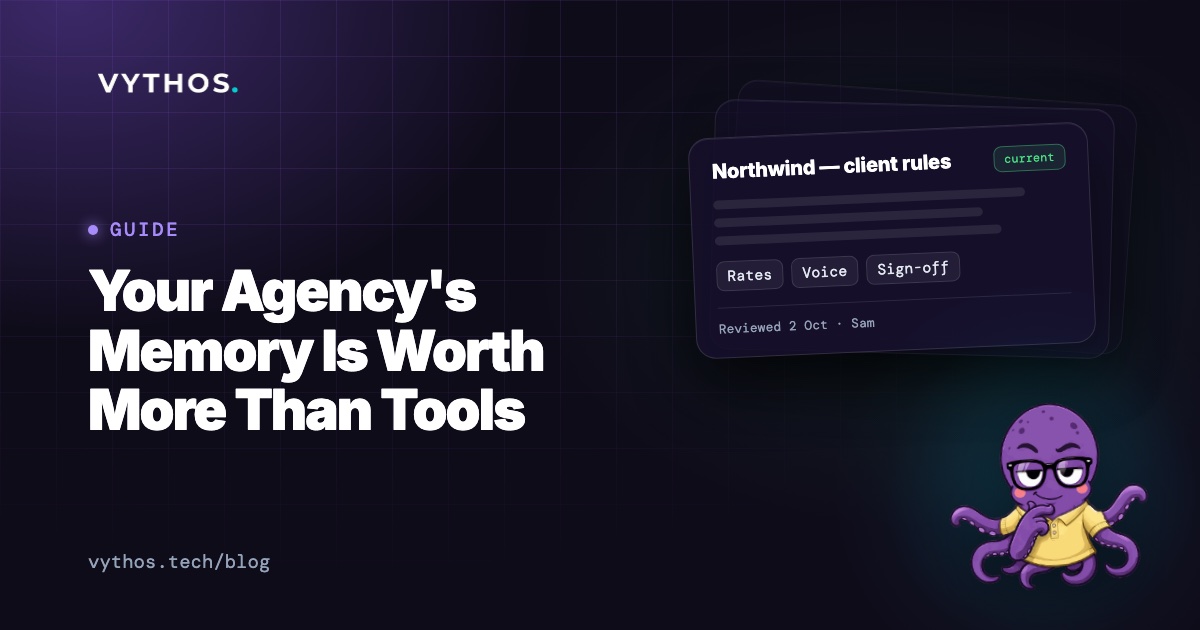
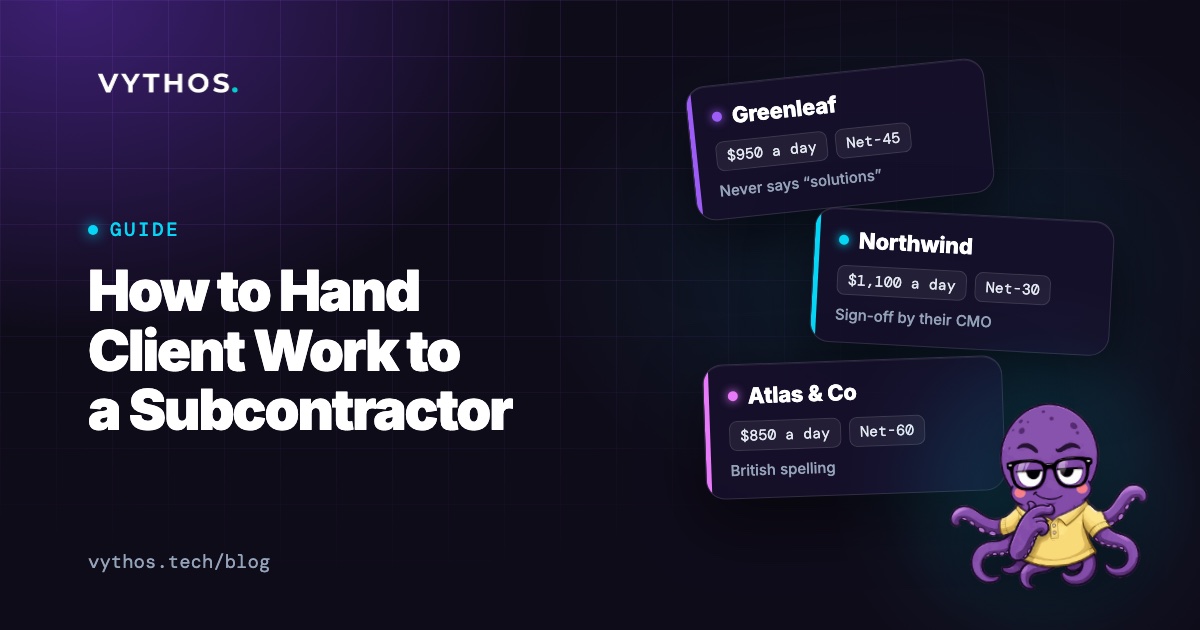
Every client now has their own card with three sections:
- Their rules — the specifics that apply only to them
- House rules that apply — the inherited ones they also follow
- About [Client] — confirmed facts: what they sell, who to, their audience
Each page also has three starter questions, filled in once you know them: what do we say no to, who signs off, what have we promised?
The page is the client's world, assembled. Not a folder you maintain — a living view that updates as work happens.
Facts, not rules
Some things shouldn't be rules. Their audience is enterprise IT. Their brand colour is teal. They compete with Notion.
These are context, not commands — facts about the client that your AI tools should know but not follow. They go in About [Client], separate from rules, and the system treats them differently:
- Rules are instructions. If two conflict, the more specific wins.
- Facts are context. If a rule says otherwise, the rule wins.
Facts have limits. No money (pricing stays in rules, where access is restricted). No live state (budgets are queried, not stored). Max 25 per client. Only owners and leads can add or change them.
Save from Claude
When Claude reads something important in chat — a client preference, a correction, a detail worth keeping — you can click to save it directly to the Playbook.
It doesn't add without you. It proposes. The rule or fact waits under Waiting for you, or on a card right in the chat, and you approve or discard. This matters: AI can suggest, but only a person adds.
If you're not the workspace owner, your AI tool can still propose — and the owner approves. The safeguard is at the source.
The result is knowledge that enters where you already are. No copying, no switching apps, no "I'll add that later" that never happens.
What stays the same
- Access still travels with the save. A proposal carries your permissions. If you can't see a client's rules, you can't propose to them.
- Removing someone still cuts access at the source. Owners can remove a member on the Members page. Their AI tools lose access immediately.
- Nothing becomes a rule without you. The system proposes, categorises, and files — but only a person adds.
The one thing
The pattern across all four changes: knowledge enters where work happens, not in a separate system you maintain later. A sentence in chat becomes a rule without a form. A correction in Claude becomes knowledge without copying. A client's world assembles itself as you work, so the next person starts from what you already know.
Start free at vythos.tech.